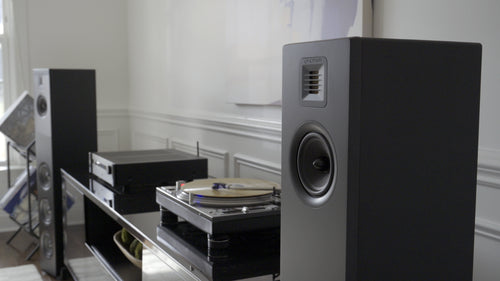
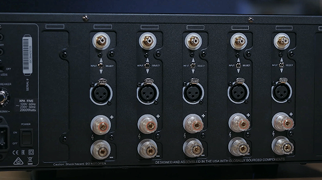
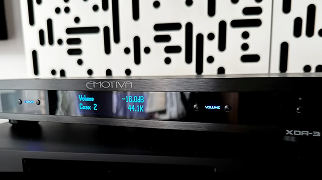
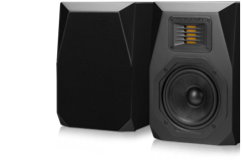
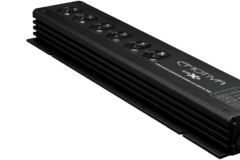
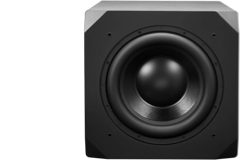
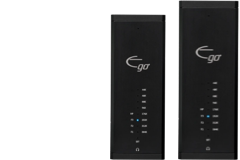
How to Configure your XMC or RMC Processor Speaker Presets.
Follow along with Brent as he helps you setup your processor speaker presets by selecting active channels, mapping speaker locations, speaker size options, setting up subwoofer options, enhanced bass feature, setting distances, and speaker levels.
Share Post
Related Articles
Behind the Build: Nostala LB12 Vintage Loudspeakers
Step 1: Choose message placement
Click the button below and then hover over your page to select a placement.
Step 2: Paste and save
You have copied the placement for the Product Page.
Go back to the App Embeds section, and in the Paypal Advanced Settings, paste the copied value into the
Product Page field and click the 'Save' button in the top right corner.