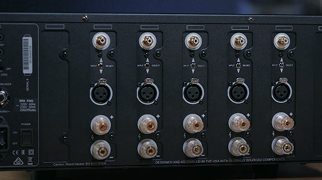
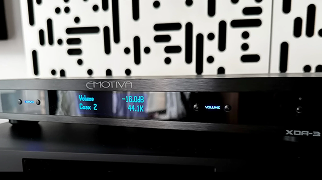
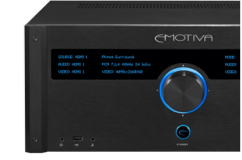
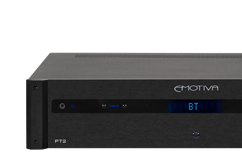
Dan and the team check in from Emotiva HQ after a rough winter stretch, then jump into product news. The TA2+ is now available with a major update: HDMI ARC/eARC for easy TV integration, plus refinements like a quieter phono stage, strong power output, balanced connections, flexible bass management, and a new metal remote.
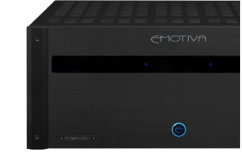
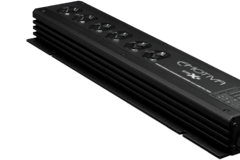
They also share that the DR Design Series stack is performing well and getting strong feedback, including customers using the compact amps in creative high-power configurations. Next up is an LB12 inventory warning, the current batch is nearly gone, with more in production and an estimated restock timeline discussed.
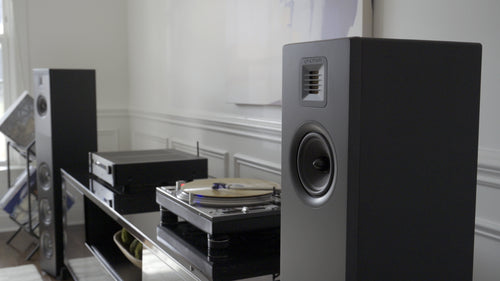
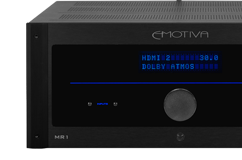
They preview AXPONA, where Emotiva will have two rooms, including a vintage-themed space with surprises, limited swag, and demos featuring the LB12s, plus an “Emotiva 2.0” room that hints at broader changes and new direction. Finally, they give an XSP-2 status update: early units are in, review samples are underway, and broader availability is targeted for March, with details to come in the next episode. The video closes with some playful “horsing around” and a reminder to stay safe and warm.