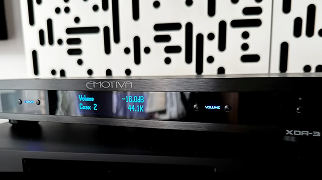
How to Troubleshoot the Dirac "Not Available" Message on your Processor.
Follow Brent as he helps troubleshoot if you receive the "Not Available" message while running the Dirac Live Room Correction software on your processor.
Share Post
Related Articles
Behind the Build: Nostala LB12 Vintage Loudspeakers
Step 1: Choose message placement
Click the button below and then hover over your page to select a placement.
Step 2: Paste and save
You have copied the placement for the Product Page.
Go back to the App Embeds section, and in the Paypal Advanced Settings, paste the copied value into the
Product Page field and click the 'Save' button in the top right corner.