


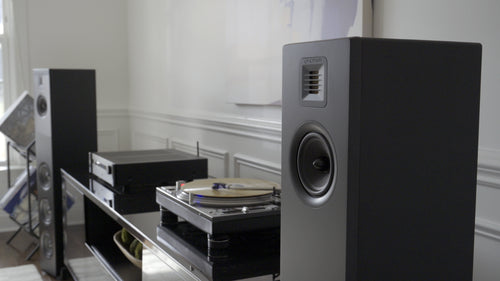
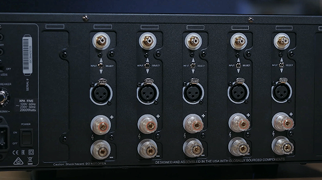

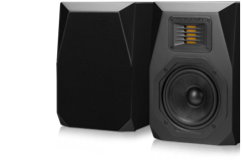
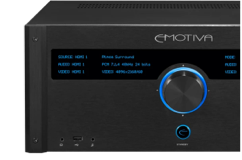
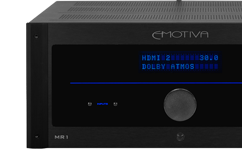
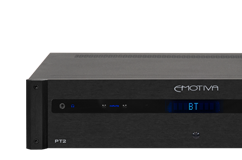
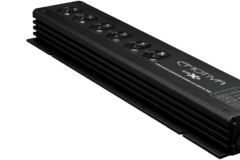
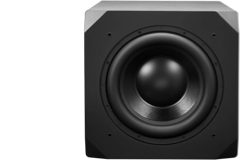
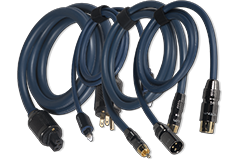
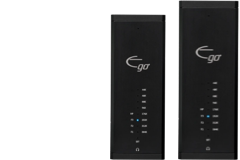


Beginner Audiophile sat down with Dan Laufman during CES 2019 to talk about the history of Emotiva. Some amazing history shared in this interview for all those curious minds.
>> Click here to listen to Podcast <<
The interview starts at the 19:45 section of the Podcast.

Share Post
Related Articles

Woody's Soundup Gets the Run Down on the Emotiva LX Gear ...

AV-Obsessed Previews the LX Products at CEDIA 2026

AudioXPress Previews the new Emotiva LX Products

NON-Plus Processor Firmware: 5.7 Code Now Available for R...
