



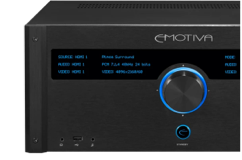
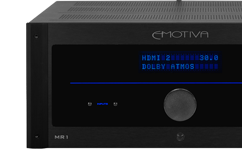


If you own RMC-1, RMC-1L, or XMC-2, please register your device's MAC Address with Dirac to authorize your unit to be able to use the Dirac Software. You unit won't be able to run the Dirac Software until you have had your unit authorized by Dirac.
Please register your unit HERE.
Share Post
Related Articles

Woody's Soundup Gets the Run Down on the Emotiva LX Gear ...

AV-Obsessed Previews the LX Products at CEDIA 2026

AudioXPress Previews the new Emotiva LX Products

NON-Plus Processor Firmware: 5.7 Code Now Available for R...
